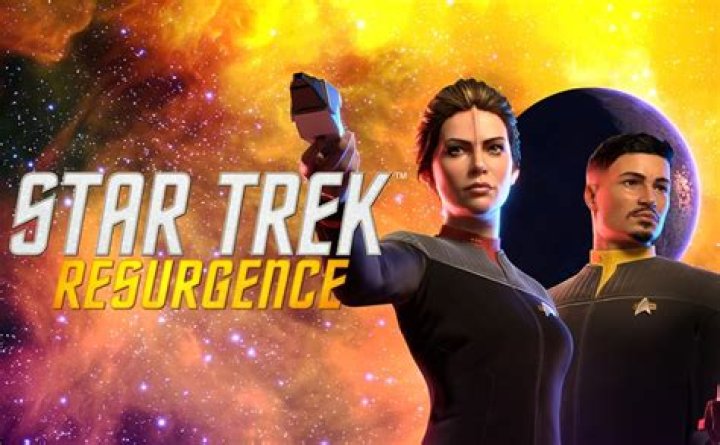
Star Trek: Resurgence is a narrative-driven title from Dramatic Labs and Bruner House. The game is available on PC through the Epic Games Store, as well as multiple current and last-generation consoles. While the PC version generally runs fine, its ultrawide support is lacking. If you want to fix the ultrawide issues in Star Trek: Resurgence, here’s how to do it.
Fixing the Star Trek Resurgence Ultrawide Issues
Star Trek Resurgence includes both pillarboxing and letterboxing in the gameplay, as well as cutscenes. This affects ultrawide users, causing black bars on either side of the screen while playing, which hinders immersion. To solve this issue, Lyall from the Widescreen gaming community has created a comprehensive fix. Here’s how you can install it:
- Visit the following GitHub link.
- Scroll down and download the latest patch zip under “Assets” by clicking on it.
- Currently, the latest version is 1.0.2 as of writing.
Open the configuration file, StarTrekResurgenceFix.ini, using a text editor like Notepad or Notepad++. The configuration file allows you to customize this patch by enabling or disabling different features. By default, the patch will apply the necessary fixes for your current resolution.
You also have the option to disable motion blur and depth of field in the configuration file.
Comparison Screenshots
The patch author, Lyall, has shared the following comparison on GitHub. Here is what the game looks like before and after applying the ultrawide patch.
Credits and Support
All credit for the fix goes to Lyall, and you can consider supporting them on ko-fi. Also, check out our other ultrawide guides for recent releases such as Hi-Fi Rush, Sherlock Holmes: The Awakened, and Outer Worlds: Spacer’s Choice edition. We hope this guide was helpful in resolving the Star Trek Resurgence ultrawide cutscene issues on your PC. If you have any questions, feel free to ask in the comments below.
See also What do Canadians call hockey?