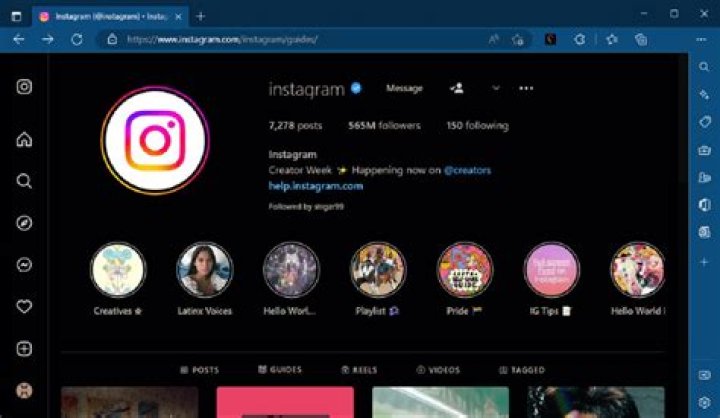
Instagram users are getting an annoying glitch this week which means their Dark Mode isn’t working properly.
The issues began on Tuesday (June 13) and have come with Instagram’s latest update, which has brought changes to Notes.
Instagram users can now add a 30-second song to their Notes and translate them to any language with just one click.
However, Dark Mode is now glitching…
Annoying Instagram Dark Mode glitch
For most, the glitch is mixing Dark Mode and Light Mode together so some sections of the app appear black while others are white.
However, others are reporting that Dark Mode isn’t working at all and their Instagram account is constantly set to Light Mode.
Usually, the social media platform automatically chooses the appearance of the app based on your iPhone’s settings.
So, if your iPhone is in Dark Mode, your Instagram will be too. However, something has gone wrong and users are frustrated.
Dark Mode glitch frustrates users
Many have taken to Twitter to moan about the annoying error.
One person wrote: “Did anyone else’s Instagram screw up their preferred theme and also MIX DARK MODE AND LIGHT MODE??”
“Why has Instagram made it some ugly dark and white mode, like some of the app is in Dark Mode and the home page is white,” said another.
A third person added: “Help someone tell me how to switch back to dark mode on Instagram after it updated, my eyes are burning it’s so white.”
“My personal Instagram keeps glitching after I’ve done an update. It goes from Dark Mode to half Light Mode and then to full light, back to dark,” another tweeted.
What is going on?
Instagram hasn’t addressed the issue, but there appears to be a bug within the app that’s causing Dark Mode to malfunction.
The site is likely to already be aware of the error and working on a fix. So, your app should go back to normal in a few hours.
If you’re feeling impatient, here are some things that could help fix your app. However, there are no guarantees:
- Close the app and open it again.
- Log out of the app and back in.
- Turn your phone off and on.
- Delete Instagram and re-download.
- Clear Instagram’s cache.
- Make sure you’ve updated the app.